

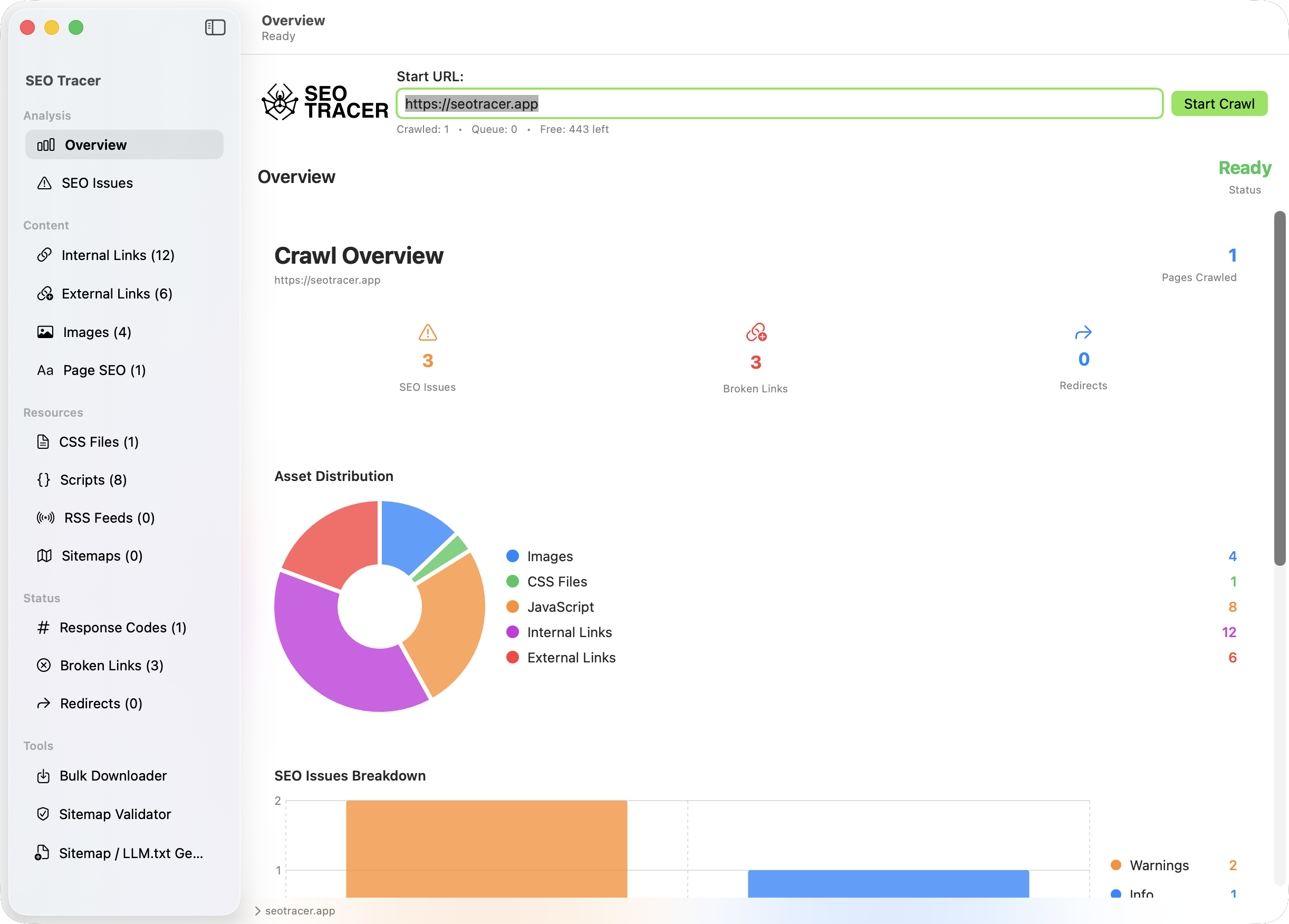
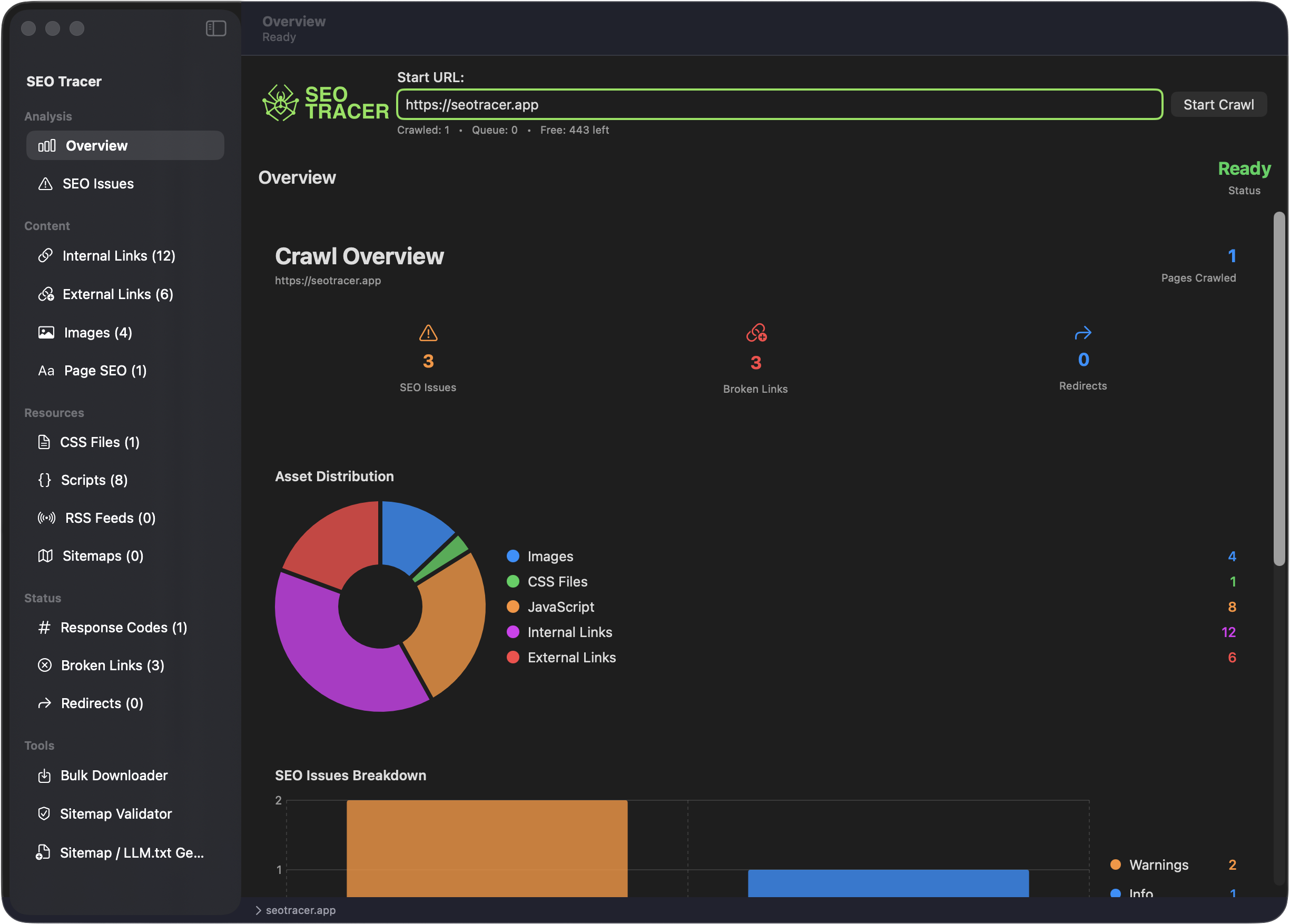
What this Mac SEO tool checks
Titles, descriptions, and headings
Extract page titles, meta descriptions, and heading structures across a site, then spot the ones that are missing or duplicated.
Broken link detection
Find broken internal and external links, and see which pages contain each bad link and where it points.
HTTP status codes and redirects
Read status codes, redirect chains, and server response times. Filter the Issues tab by codes such as 404 and 500.
Internal link structure
See how pages on your domain link to each other, and catch pages that nothing links to.
robots.txt-aware crawling
The crawler identifies itself as SEOTracerBot and follows robots.txt rules, including Disallow, Allow, and Crawl-delay where the app supports it.
CSV, HTML, and PDF exports
Hand a CSV to whoever is fixing the issues, or export an HTML or PDF report for a client.
Your crawl data stays on your Mac
Page titles, meta descriptions, broken links, and the rest of a crawl are processed and stored on your device. SEO Tracer does not collect, store, or transmit the websites you crawl, which matters when you audit client sites or pages that have not launched yet.
Anonymized crash reports may be sent so crashes can be diagnosed, and they do not include the sites you crawled. The privacy policy has the full account.
How to run a technical SEO audit on a Mac
- Crawl the site. Enter the website URL, adjust the crawl settings for the size of the site, and start the crawl.
- Review the metadata. Check that every page has a unique, relevant title and meta description. Rewrite the ones that are duplicated, missing, or out of date.
- Fix broken links and bad responses. Work through 404s and other errors, starting with your most important pages. Add a redirect when a page has been removed.
- Export the findings. Export a list of issues in priority order so the fixes that matter most happen first.
- Crawl again. Re-crawl after the fixes to confirm they worked and that nothing new broke. Monthly or quarterly audits suit most sites, depending on their size and how often they change.
Free to start, then Lifetime, Yearly, or Monthly
The free version includes a 500-page lifetime allowance: 500 pages in total, not per crawl or per session. To keep crawling after that, choose one of three purchases in the App Store, which shows the current price for your region.
Lifetime
A one-time purchase with no renewal.
Yearly
A subscription billed once a year.
Monthly
A subscription billed once a month.
Mac SEO software FAQ
What do I need to run this SEO software on my Mac?
SEO Tracer needs macOS 15.6 or later, and you install it from the Mac App Store. You also need an internet connection to crawl a website or to buy or subscribe.
Is the free version limited to 500 pages per crawl?
No. The free version includes a 500-page lifetime allowance. That means 500 pages in total, not 500 for each crawl or each session. No credit card is needed to start.
What are my options after the free allowance runs out?
You can buy Lifetime, or subscribe Yearly or Monthly. All three are sold in the App Store, which shows the current price for your region. Apple processes the payment, and SEO Tracer does not store your card details.
Are the websites I audit uploaded anywhere?
No. Crawl data is processed and stored on your Mac, and SEO Tracer does not collect, store, or transmit the websites you crawl. Anonymized crash reports may be sent to diagnose crashes, and they do not include the sites you crawled.
Can I share an audit with a client or a teammate?
Yes. Export a crawl as CSV, HTML, or PDF from the Tracer view. CSV works well as a spreadsheet handoff, and HTML and PDF are the report formats for clients. You are responsible for the files you export and who you share them with.
Should I use SEO Tracer instead of Screaming Frog on a Mac?
It depends on what your audits need. Both tools extract titles and meta descriptions, find broken links, and read HTTP response codes. SEO Tracer is macOS-only, so it suits people who run their audits on a Mac and want the crawl to stay in a native app. It is not a claim that one tool replaces every setting in the other.
Have another question? Read the full FAQ or the Screaming Frog alternatives guide.